
Client panel guide
Every price, name and number in this guide is invented test data, shown only as an example — any resemblance to real companies is coincidental. Real figures appear once you register.
This guide covers the main features of the client panel. Each section explains one screen or one task.
Use the panel to place and manage orders for your customers.
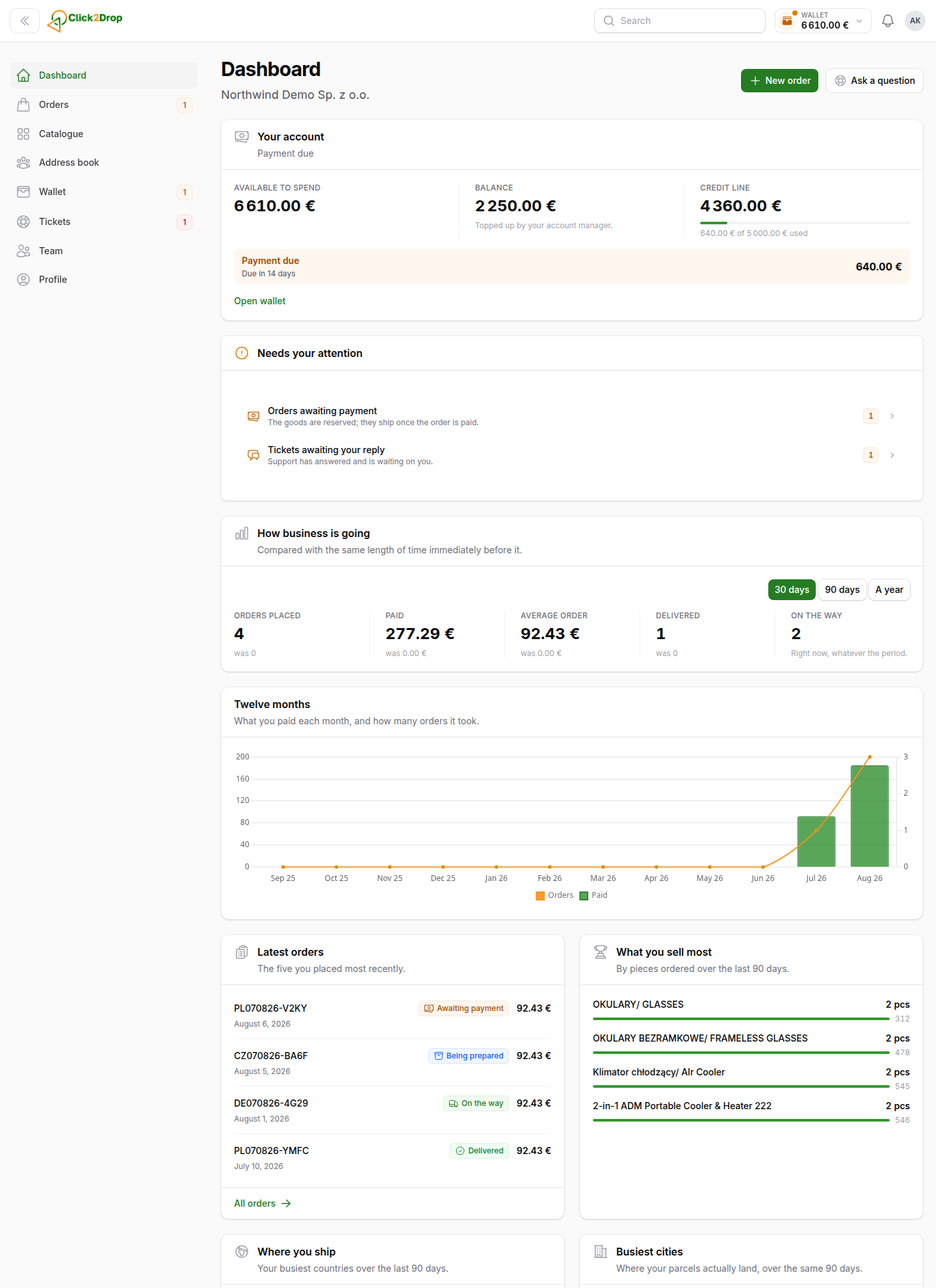
What you can do here
- Browse the products you can order, with prices and stock. See Catalogue.
- Place orders to your customers' addresses. See Placing an order.
- Follow every order and parcel. See Orders.
- Let the courier collect payment from your customers. See Cash on delivery.
- Announce returns and receive refunds. See Returns and refunds.
- Manage your balance, credit line and payments due. See Wallet.
- Connect your own shop. See Stores.
- Ask us questions. See Tickets.
- Add team members and manage their permissions. See Team.
Good to know
- Your account belongs to your company. Team members share the same orders, balance and history.
- Prices are your company's. Every price in the panel is the price for your company.
- Your terms are agreed with you. Payment terms and your credit line are in Profile → Terms.
New to the panel? Start with Getting started.
Open this guide at any time with App guide at the bottom of the left menu. On a phone, it is the book button above the bottom bar.
Last updated September 28, 2026