
Tickets
Every price, name and number in this guide is invented test data, shown only as an example — any resemblance to real companies is coincidental. Real figures appear once you register.
Tickets holds every conversation of your company with us. Everyone on your team sees the same tickets.
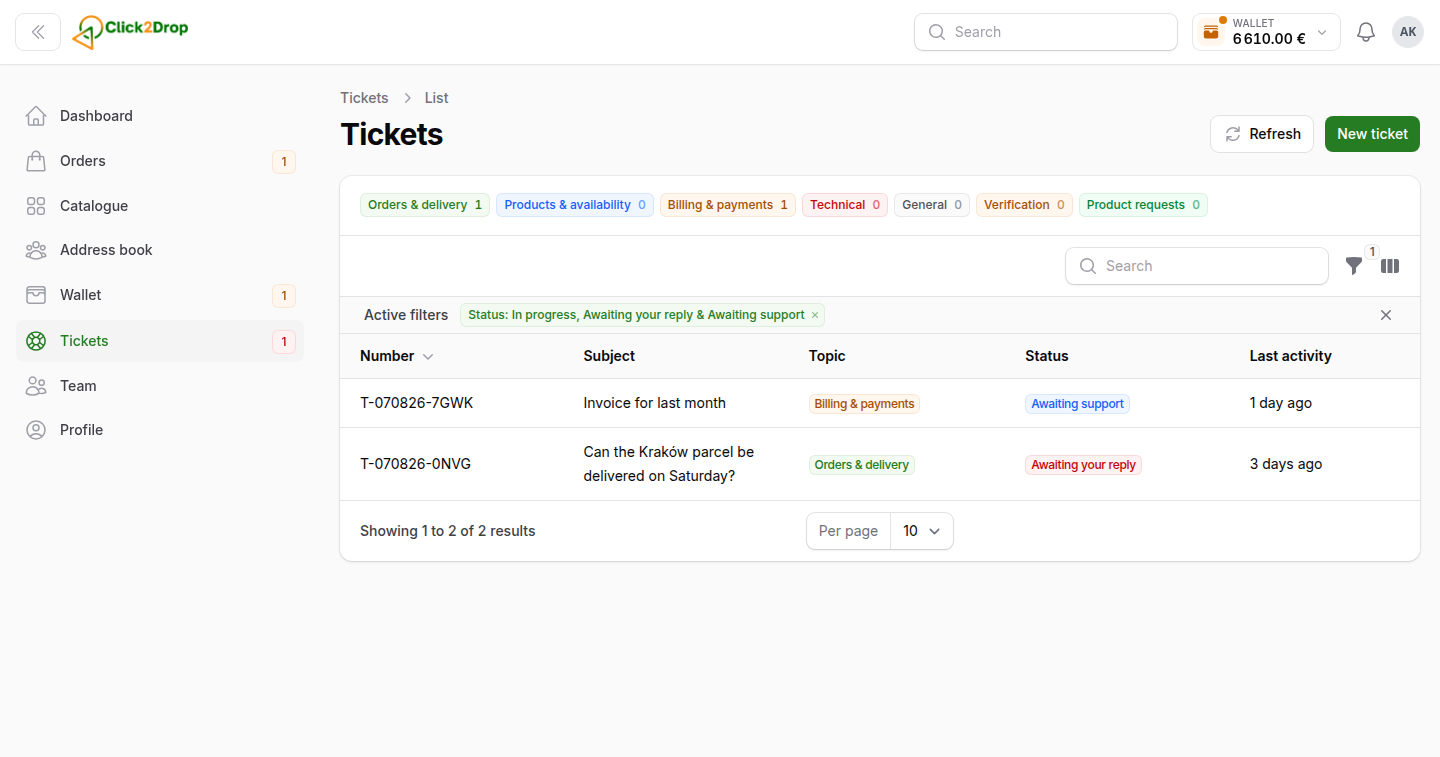
Asking a question
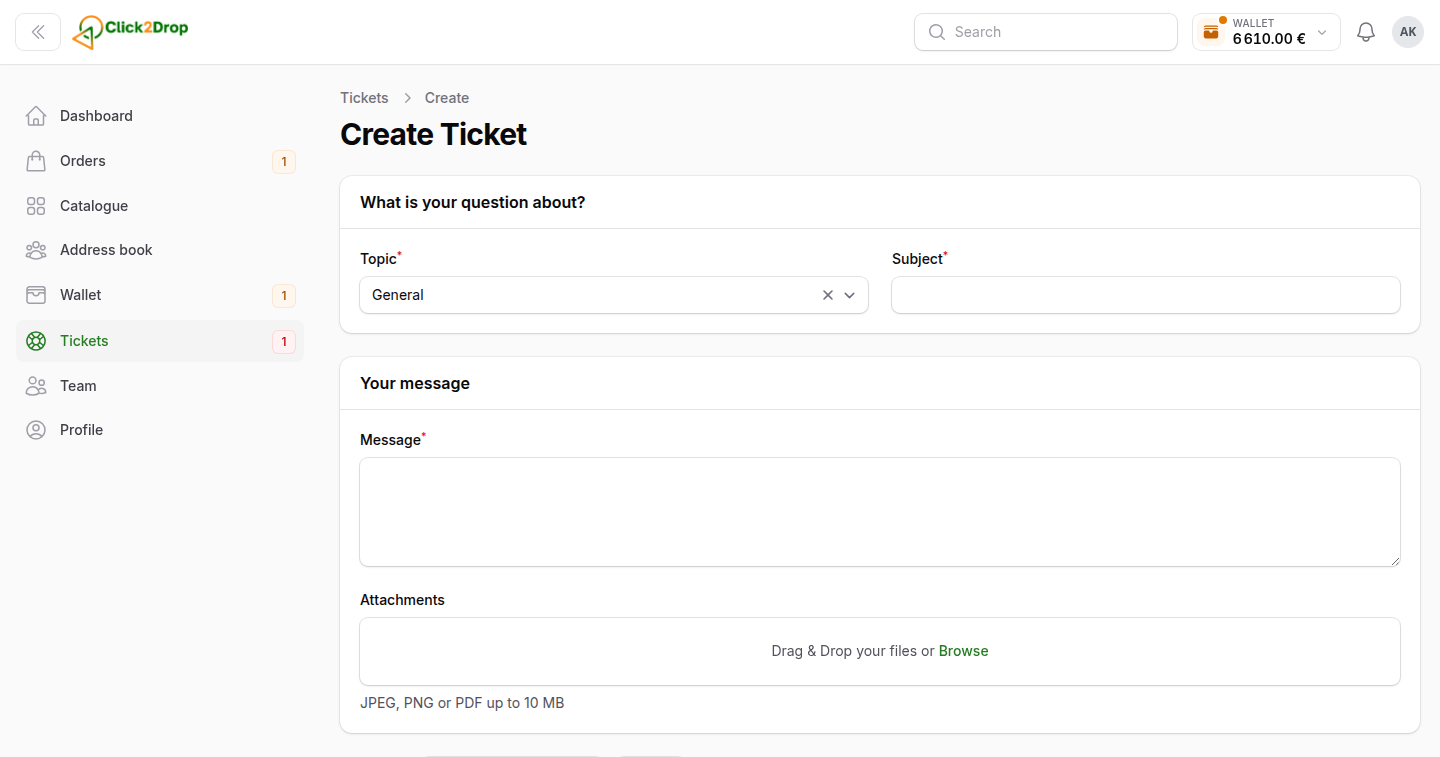
- Select New ticket. On the Dashboard, Ask a question does the same.
- Choose the Topic. For an order, a product or a payment, pick which one.
- Enter the Subject and your Message. Add files if they help: JPEG, PNG or PDF.
- Select Create.
On an order page, Ask about this order opens the same form with the order filled in.
The list
The Open tab has the tickets still in progress. The Closed tab has the resolved and closed ones. The chips above the table filter by topic.
Ticket statuses:
- In progress. We are working on it.
- Awaiting your reply. We replied, and it is your turn. The number beside Tickets in the menu counts these.
- Awaiting support. You wrote, and it is our turn.
- Resolved. The question is solved. A reply opens it again.
- Closed. Finished. To continue, open a new ticket.
The conversation
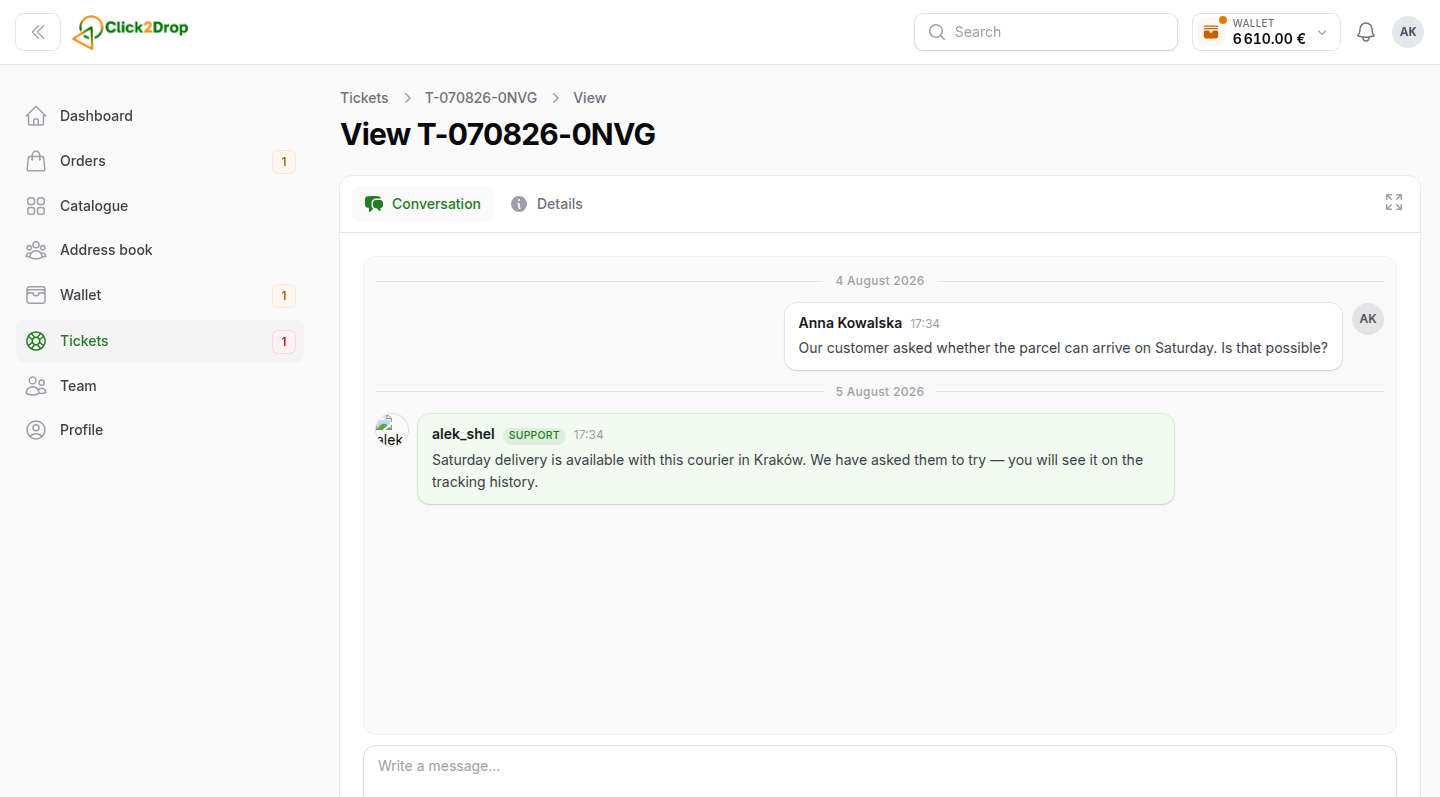
- Write in the box at the bottom and select Send, or press Ctrl+Enter.
- The paper clip attaches files. You can also drag files into the conversation.
- To answer one message, use Reply on it.
- You can edit or delete your own message for a few minutes after sending it.
- Details shows the ticket's number, status and what it is about.
Resolving and rating
When your question is solved, select Mark as resolved. After a ticket is resolved, you can rate our help with one to five stars and add a comment.
Last updated September 28, 2026