
Returns and refunds
Every price, name and number in this guide is invented test data, shown only as an example — any resemblance to real companies is coincidental. Real figures appear once you register.
A return is goods coming back. A refund is money coming back. You see both on the order page, under Returns.
How goods come back
- Returned by the recipient. Your customer sends the goods back to the warehouse.
- Not collected. The recipient did not collect the parcel, and the courier brings it back.
- Cancelled before dispatch. A paid delivery was cancelled before it left the warehouse. The money comes back without a ticket.
Announcing a return
When your customer sends goods back, tell us. Then we recognise the parcel when it arrives.
- Open the order. The delivery block shows the return address. Give it to your customer.
- When your customer has sent the parcel, select Announce a return in the same block.
- Enter the Courier and the Tracking number. Add What is inside if you know it.
- Select Announce the return.
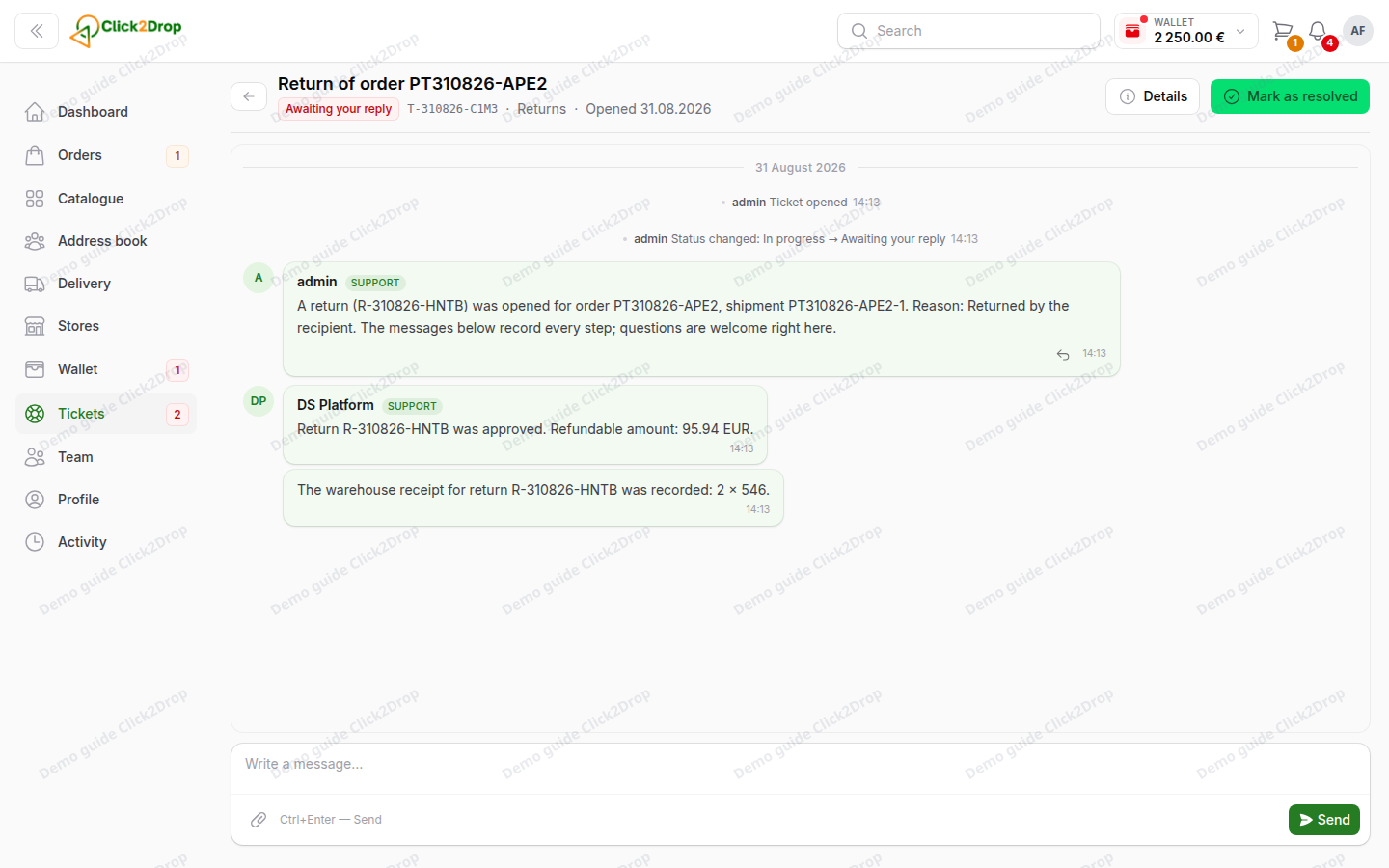
A ticket opens for the return. We continue there when the warehouse receives the parcel. To take the announcement back, select Cancel the announcement.
Return statuses
- Being reviewed. We are checking the return.
- Approved. We accepted the return.
- On its way back. The parcel is travelling to the warehouse.
- Received by the warehouse or Partly received by the warehouse. The goods have arrived, all or some of them.
- Completed. The return is settled.
- Declined. We did not accept the return. The ticket says why.
- Cancelled. The return was stopped.
- Being investigated. The return takes longer than usual, and we are finding out why.
Refunds
The return's ticket shows how much you get back and what the amount is made of.
The money goes back the way you paid: to your card, your balance or your credit line.
Every refund appears on the order under Payments & refunds, and in Wallet → Statement.
Orders from the old platform cannot be returned here. Write to us in Tickets.
Last updated September 28, 2026