
Profile
Every price, name and number in this guide is invented test data, shown only as an example — any resemblance to real companies is coincidental. Real figures appear once you register.
Profile has five tabs: My details, Company, Shipping, Notifications and Terms.
My details
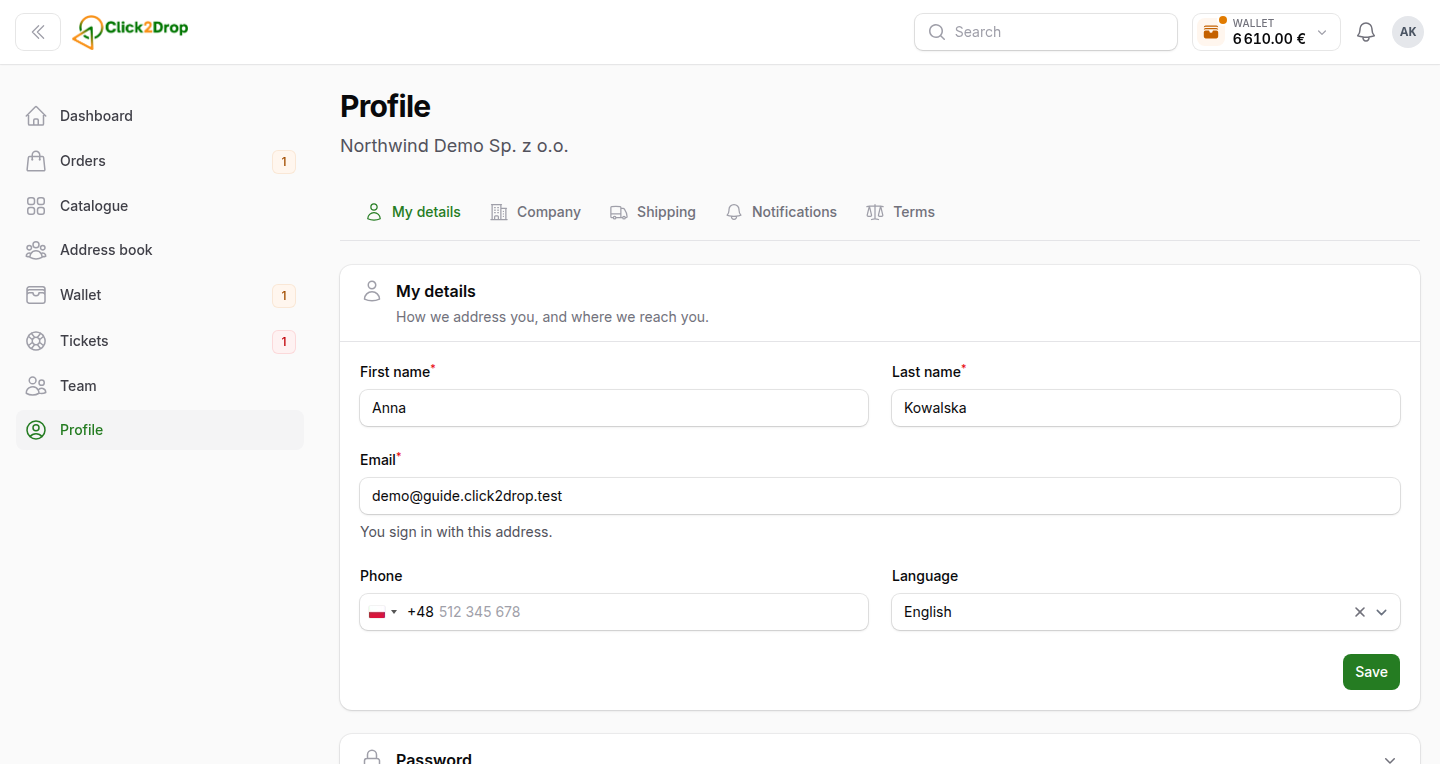
Change your name, phone, language and time zone, then select Save. Dates across the panel are shown in your time zone.
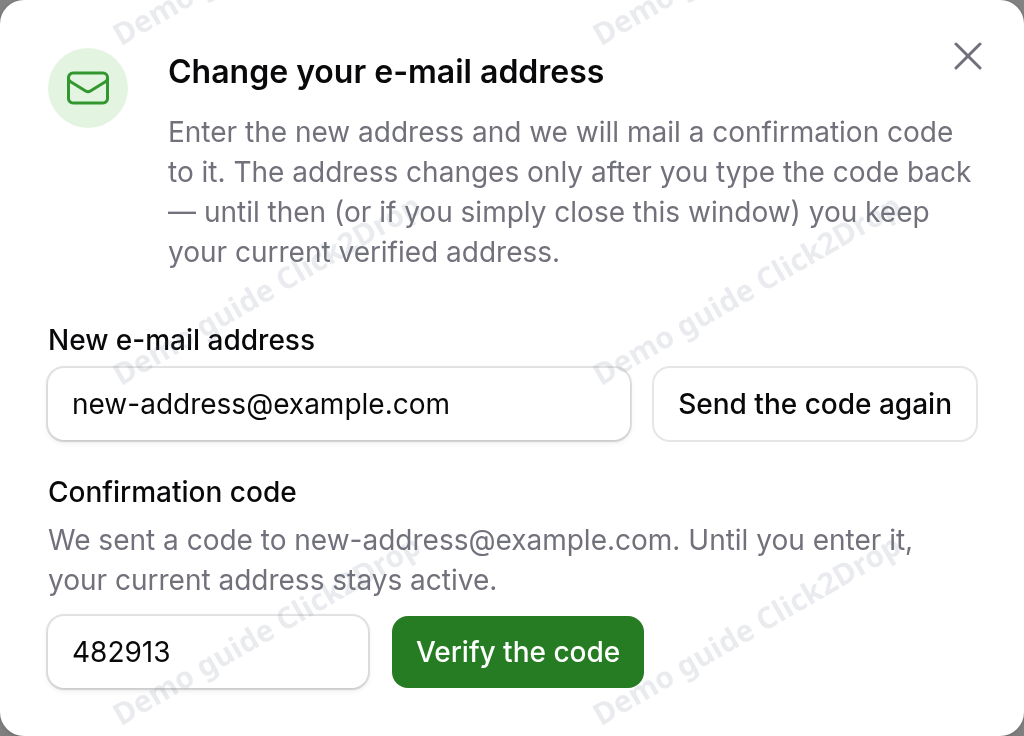
To change your e-mail:
- Select the pencil beside your e-mail.
- Enter the new address and select Send the code.
- Enter the code from the e-mail we sent to the new address. Select Verify the code.
To change your password, open Password, enter the current and the new password, and select Change the password.
Company
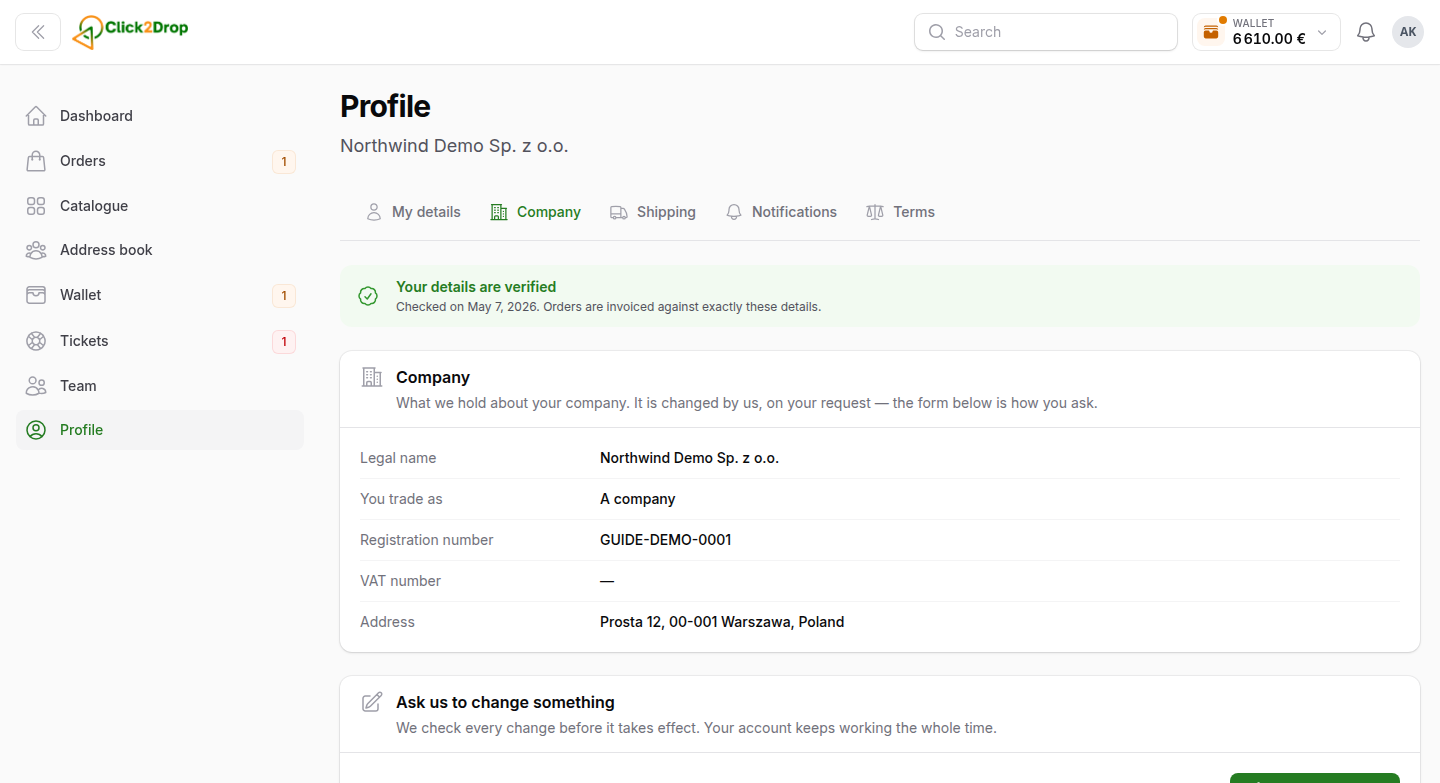
Your company details as we verified them. We invoice orders with exactly these details.
Company details change only after our check. To change them:
- Select Request a change.
- Correct the fields and select Send the request.
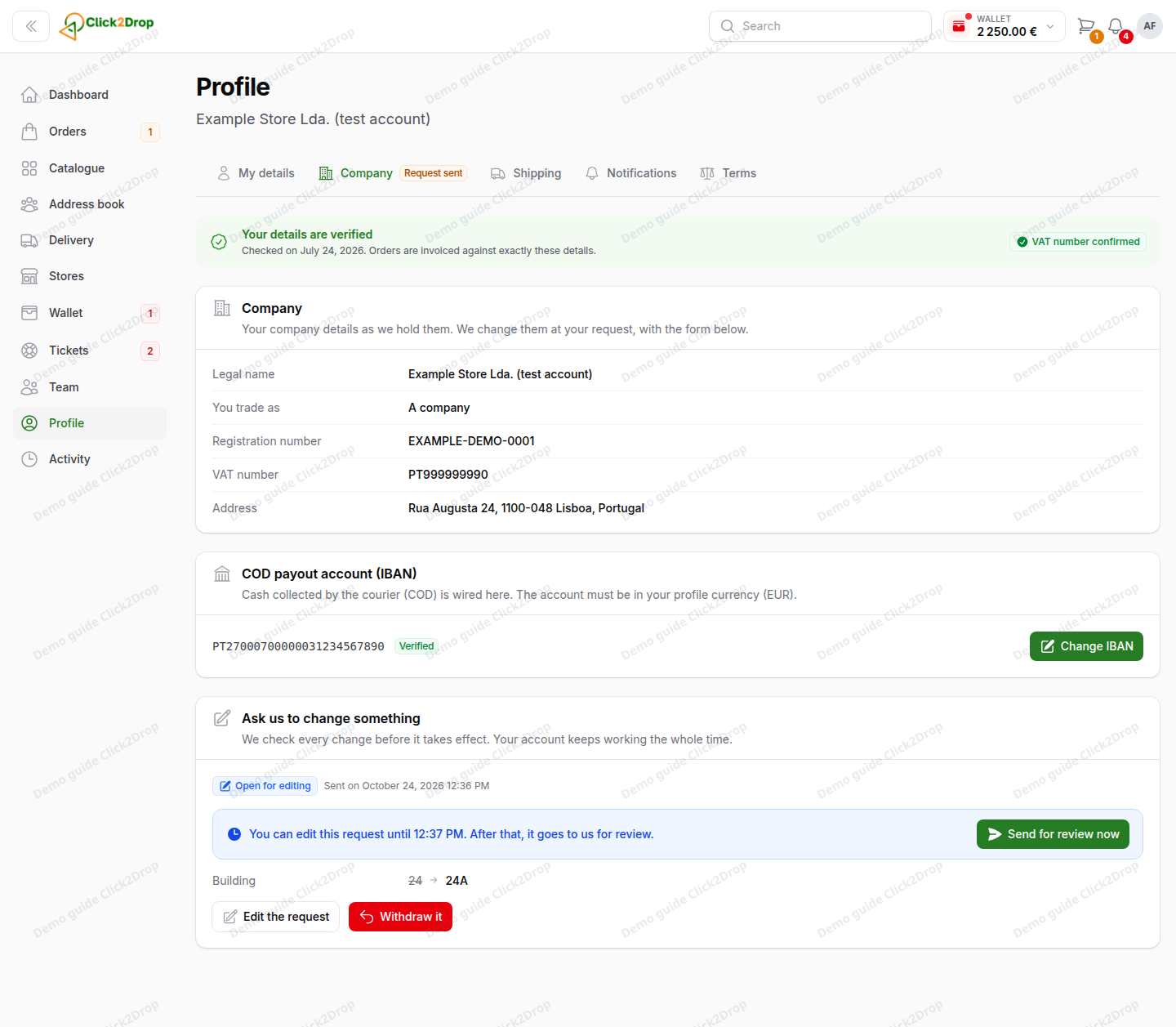
For a short time you can still edit the request. After that, it waits for our review. Your account keeps working. The page shows the old and new values side by side.
This tab also has the IBAN for cash on delivery. See Cash on delivery.
Only the account owner and admins can request changes and add the IBAN.
Shipping
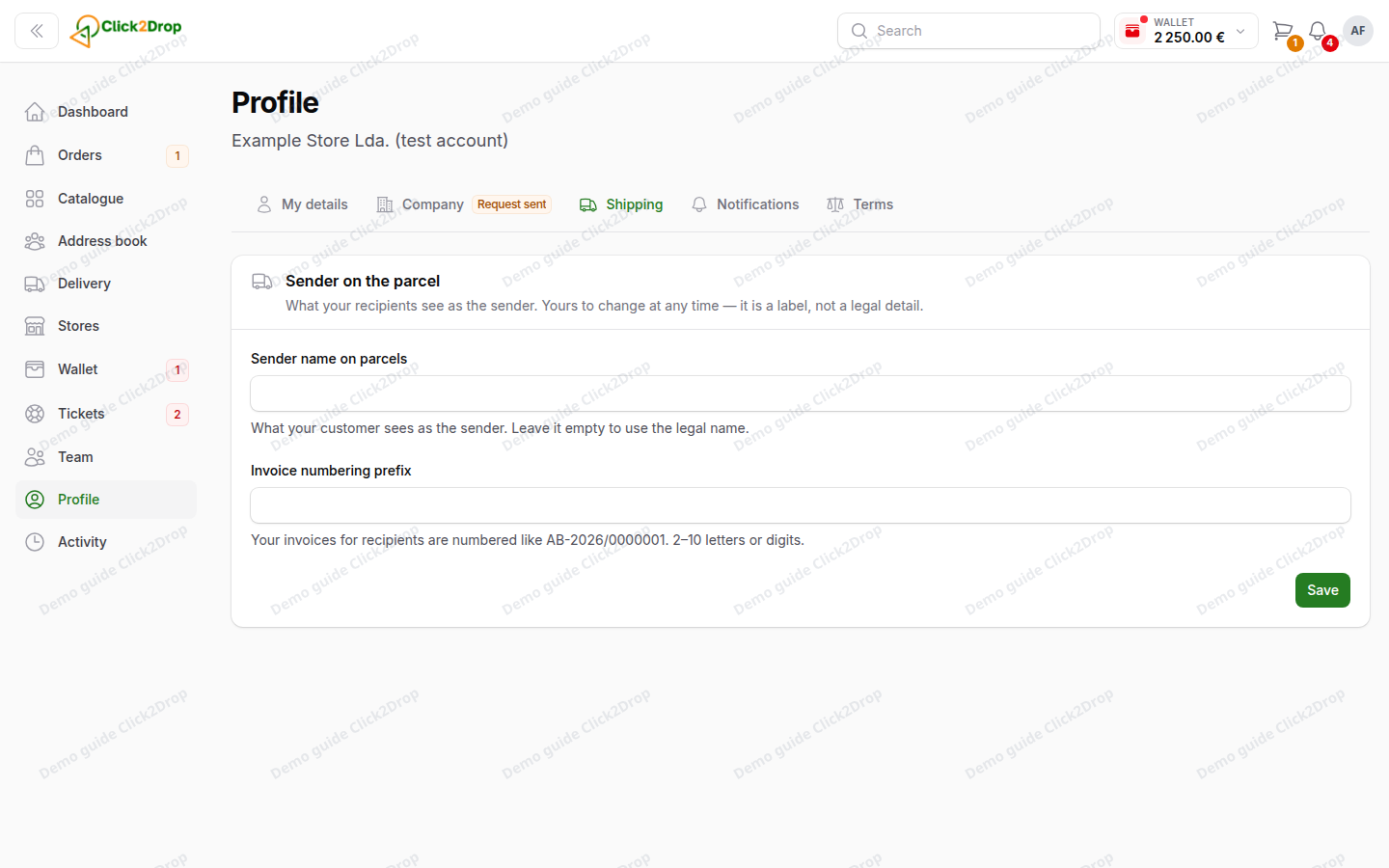
- Sender name on parcels. What your customer sees as the sender. Leave it empty to use your company's legal name.
- Invoice numbering prefix. The start of the numbers on your invoices for recipients.
Notifications
How you receive notifications, and who in your company gets which e-mails. See Notifications.
Terms
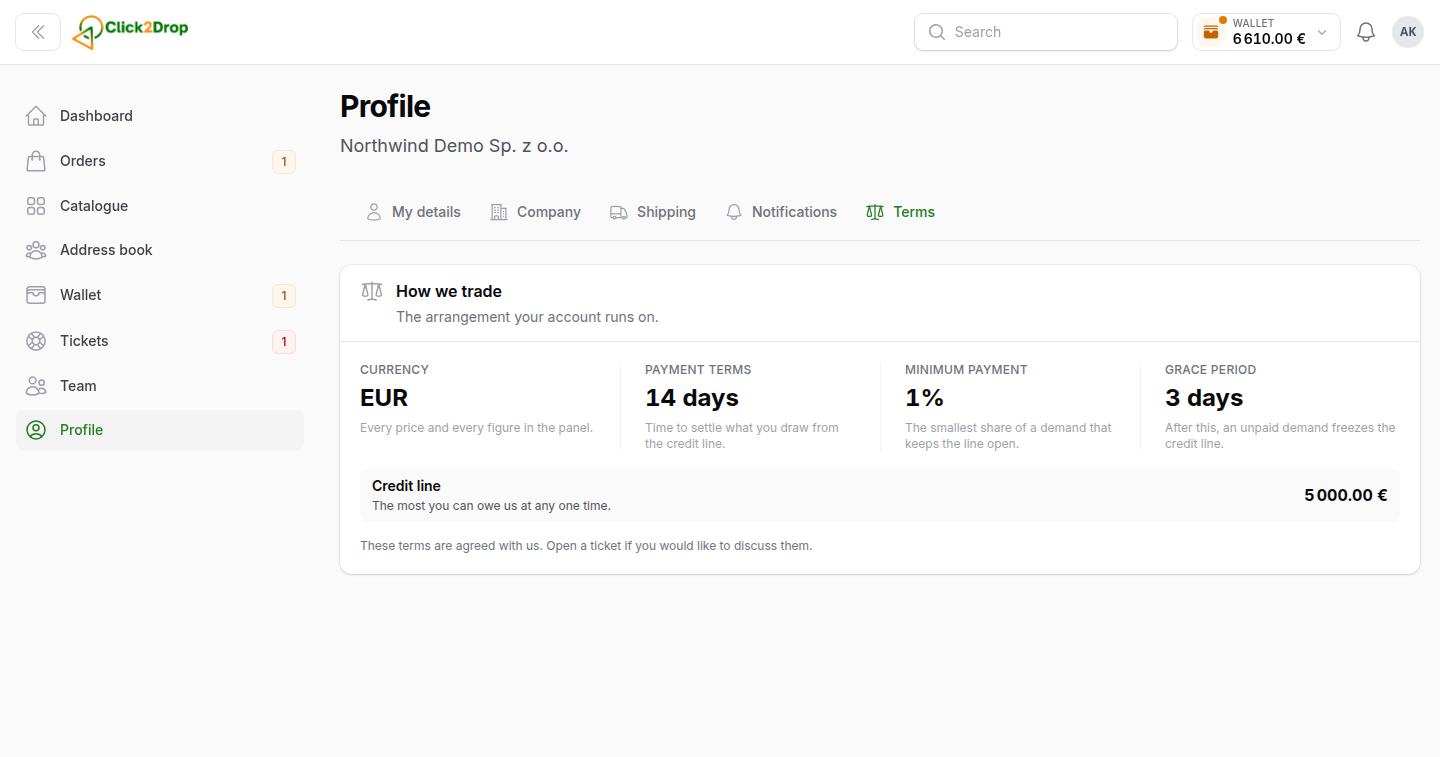
The terms of your account: currency, payment terms, minimum payment, grace period and credit line. They are agreed with you. To discuss them, write to us in Tickets.
Last updated October 24, 2026