
Address book
Every price, name and number in this guide is invented test data, shown only as an example — any resemblance to real companies is coincidental. Real figures appear once you register.
Address book keeps the people you ship to. You pick them when you place an order.
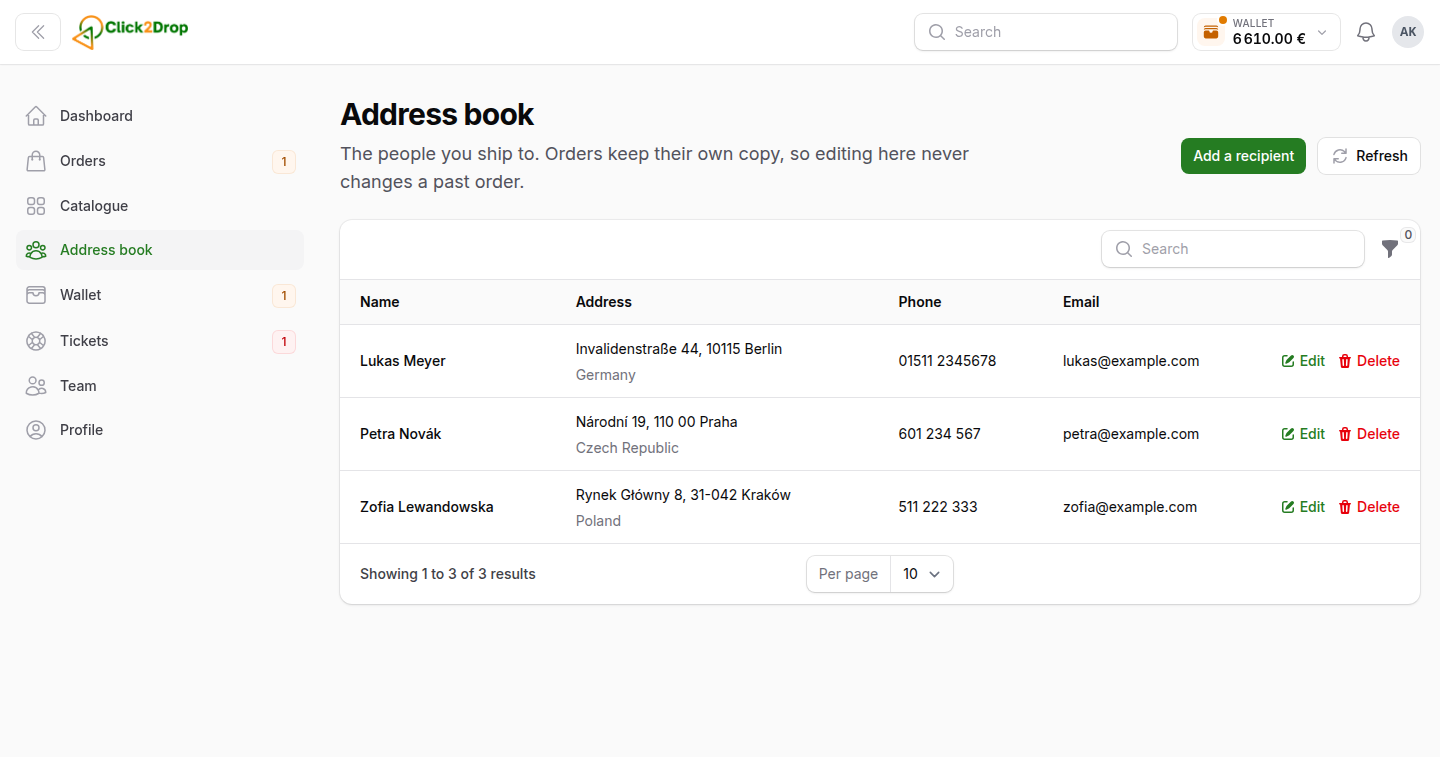
Adding a recipient
- Select Add a recipient.
- Fill in the fields. Email and Flat number are optional.
- Select Create.
You can also save a recipient while placing an order. On the Recipient step, turn on Save to my address book.
Using a saved recipient
On the Recipient step of an order, pick the person in From your address book. The fields fill in. Changes you make in the order do not change the address book.
Editing and removing
Use Edit or Delete on the row. Orders already placed keep their own copy of the address, so they do not change.
Search by name, city, street, postcode, phone or email. Filter by Country.
You see the address book if you can place orders.
Last updated September 28, 2026